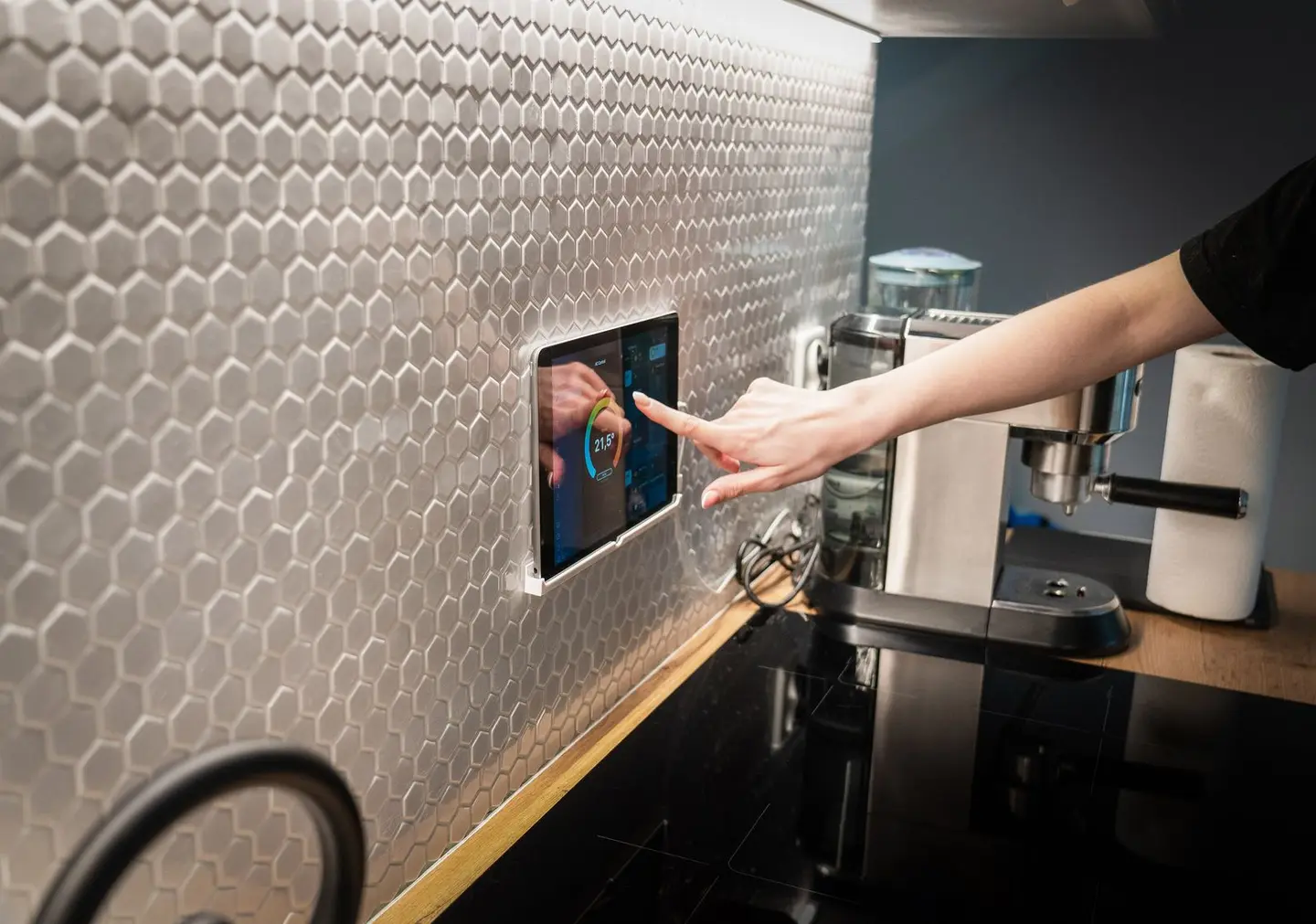
Smart home automation allows individual devices, lights, radiators, door locks, cameras, appliances, to be controlled from a single app or voice assistant, and to respond to triggers such as time, occupancy, sunrise, or energy tariff. The hub is the device that ties all of this together, translating between different wireless protocols and providing a local or cloud-based brain for your system.
For UK homeowners, the market has matured significantly since the Matter protocol arrived in late 2022. Choosing the right hub architecture from the outset avoids costly rewiring or device replacement later.
What a Smart Home Hub Does
A hub performs three core jobs:
- Protocol translation, consumer devices use different wireless standards (Zigbee, Z-Wave, Thread, Wi-Fi, Bluetooth). A hub speaks multiple languages so devices from different manufacturers can work together.
- Automation engine, the hub runs rules and routines locally or in the cloud: “if motion is detected after sunset, turn the porch light on at 30% brightness.”
- Remote access, the hub bridges your local network to an external server, allowing app control when you are away from home.
Local vs cloud processing is a critical distinction. Local processing means automations run on a device in your home, they continue to work during a broadband outage and your data does not leave the house. Cloud processing means commands are routed through a manufacturer’s server; if the server goes offline or the company closes, the devices may stop working.
Wireless Protocols Explained
| Protocol | Frequency | Typical range | Typical devices | Mesh capable |
|---|---|---|---|---|
| Zigbee | 2.4 GHz | 10–30 m per hop | Bulbs, sensors, plugs | Yes |
| Z-Wave | 868 MHz (UK) | 30–100 m per hop | Locks, sensors, plugs | Yes |
| Thread / Matter | 2.4 GHz | 10–20 m per hop | Modern devices (2022+) | Yes |
| Wi-Fi (2.4/5 GHz) | 2.4/5 GHz | 30–50 m | Cameras, appliances | No (star topology) |
| Bluetooth / BLE | 2.4 GHz | 5–15 m | Locks, speakers, sensors | Limited |
Matter is the industry-wide interoperability standard from the Connectivity Standards Alliance, whose members include Amazon, Apple, Google and Samsung SmartThings. The Alliance released Matter 1.0 and opened its certification programme in October 2022, and has updated the standard since.1 A Matter-certified device should work with any Matter-compatible hub without needing separate bridges. Matter runs over Wi-Fi for higher-bandwidth devices and over Thread, a low-power mesh network suited to battery-powered sensors and switches.1 If you are starting from scratch in 2026, prioritising Matter-compatible devices will give you the most future-proof system.
Zigbee and Z-Wave both have large existing ecosystems and run locally with the right hub. Z-Wave operates at 868 MHz in the UK (distinct from Wi-Fi and Zigbee at 2.4 GHz), which reduces congestion in dense housing.
Types of Smart Home Hub
Smart Speaker with Built-in Hub
Some smart speakers, such as the Amazon Echo (4th gen) and Apple’s HomePod mini, include Zigbee or Thread radio hardware as well as voice-assistant functionality. They are the lowest-cost entry point and require no separate hub device.
Suitable for: renters, beginners, households that want voice control first and automation second.
Limitation: automations often run in the cloud rather than locally; removal of the device or manufacturer discontinuing support ends the ecosystem.
Dedicated Smart Home Hub
Standalone hub devices (running platforms such as Home Assistant, Hubitat, or similar) are designed specifically for home automation. They typically support multiple protocols simultaneously via internal or USB-attached radio dongles, run automations locally, and allow full customisation.
Suitable for: homeowners who want local control, data privacy, and flexibility to mix brands.
Limitation: higher upfront cost and greater setup complexity; open-source platforms require some technical confidence.
Router with Built-in Hub (Wi-Fi Hub)
Some ISP-provided or premium routers now include Zigbee or Thread radios. All devices connect through one box and the router manages both networking and automation.
Suitable for: households replacing a router anyway; simplest single-device approach.
Limitation: tie-in to one manufacturer; fewer advanced automation features than dedicated hubs.
Hub Types Comparison
| Hub type | Typical cost | Protocols supported | Local control | Vendor lock-in risk | Setup complexity |
|---|---|---|---|---|---|
| Smart speaker hub | £30–£120 | Zigbee, Thread/Matter (varies) | Partial | High | Low |
| Dedicated hub (open platform) | £80–£250 | Zigbee, Z-Wave, Thread, Matter | Full | Low | Medium–High |
| Router with built-in hub | £80–£200 | Zigbee, Wi-Fi, Thread (varies) | Partial | Medium | Low |
| Professional whole-home system | £800–£3,000+ installed | All major protocols | Full | Medium | Managed |
Devices You Can Automate
Lighting is the most common starting point. Smart bulbs (Zigbee or Matter) or smart switches (which work with any existing bulb) allow dimming, colour temperature, scheduling, and occupancy-triggered control.
Heating, smart thermostats connect to your boiler via OpenTherm or a simple switched relay. Smart TRV heads (see related article) allow individual room control. Integration with a hub means heating can respond to occupancy sensors, windows being opened, or time-of-use energy tariffs.
Security, door and window sensors, motion detectors, smart locks (see related article), and IP cameras can all feed into a hub. Alerts can trigger lighting or notifications.
Appliances, smart plugs add scheduling and energy monitoring to any device. Dedicated smart appliances (washing machines, dishwashers) with Wi-Fi or Matter support can be triggered off-peak to reduce electricity bills.
Cost and Complexity Tiers
Tier 1, Starter (£50–£250): Smart speaker hub plus 5–15 devices (bulbs, plugs, sensors). Voice and app control. Limited local automation.
Tier 2, Intermediate (£250–£800): Dedicated hub, 15–40 mixed-protocol devices across lighting, heating and security. Local automations, mobile notifications, energy monitoring.
Tier 3, Whole-Home (£800–£3,000+): Professionally specified and installed system. Covers lighting circuits, heating zones, security, AV, and sometimes electrical panel integration. Includes commissioning and ongoing support.
Professional whole-home installation costs vary significantly by house size and scope, a 3-bed semi with lighting, heating, and security typically falls in the £800–£1,500 range; a 5-bed detached with AV integration and multi-zone audio can reach £3,000–£6,000.
Data Privacy Considerations
Cloud-dependent systems send device state data (presence, activity patterns, energy use) to manufacturer servers, which may be located outside the UK and subject to different data protection regimes. In the UK, data protection is governed by the UK GDPR and the Data Protection Act 2018, which give consumers rights such as access to their personal data, but exercising them against overseas companies can be difficult in practice.2
Local-first systems (Home Assistant running on a local server, Hubitat) keep all automation logic and historical data on your own hardware. No data leaves the building unless you configure external access.
If you use a smart thermostat or presence-detection system, consider what behavioural data is being collected and who can access it. Read the manufacturer’s privacy policy before purchase. Since 29 April 2024, UK law has also required makers of consumer smart products to meet basic security rules, including banning easily guessable default passwords and publishing how to report security issues.3
Broadband and Network Requirements
Most cloud-dependent smart home systems require a stable broadband connection. A connection of around 10 Mbps download is usually enough for most setups; cameras with cloud recording need more, particularly upload speed. For reliability, connect the hub via Ethernet rather than Wi-Fi where possible.
In a power cut or broadband outage:
- Mains-powered smart devices lose power like any other appliance; when it returns, some restore their last state and others default to on, depending on the product
- Cloud-dependent automations and remote access stop working
- Locally processed automations on a dedicated hub with a UPS (uninterruptible power supply) can continue to run
- Smart locks with a mechanical key override are essential, never install a lock that cannot be opened manually
For critical functions (heating, security, entry), always retain conventional manual controls as a fallback.
Broadband Speed and Wi-Fi Coverage
Smart home devices add load to your Wi-Fi network. A home with 50+ Wi-Fi devices may benefit from a mesh Wi-Fi system to ensure consistent coverage. Zigbee and Thread devices form their own mesh independent of your Wi-Fi router, which is one reason they are preferred for battery-powered sensors.
Practical Buying Advice
Start with one room or one use case (lighting is the easiest) and confirm the ecosystem works for you before investing in whole-home coverage. Choose Matter-compatible devices where possible, they offer the best long-term interoperability. If data privacy matters to you, build around a local-first hub platform from the outset rather than migrating later. Always factor in installation complexity: a professional installer can commission a whole-home system in a day; a self-install of 40+ devices across multiple protocols may take a weekend.
References (3)
Figures in this note were checked against the sources below on 30 September 2026. Superscript numbers in the text point to them. Every source the site cites, by topic.
- 1technicalgoodConnectivity Standards Alliance, guidance.RN-0OPLWRCSA press release of 4 October 2022 announcing Matter 1.0 and its certification programme, developed by member companies including Amazon, Apple, Google and Samsung SmartThings.
- 2technicalvery strongGOV.UK, guidance.RN-YXB7JYGOV.UK summary of UK data protection law: the UK GDPR and Data Protection Act 2018, and individuals' rights including access to, correction and erasure of their data.
- 3technicalvery strongDepartment for Science, Innovation and Technology, guidance.RN-XLPPG4Government policy paper on the PSTI product security regime, in force from 29 April 2024, covering password rules and security-issue reporting for consumer connectable products.
-
Matter Arrives Bringing A More Interoperable, Simple And Secure Internet Of Things to Life, Connectivity Standards Alliance, accessed 30 September 2026. csa-iot.org
-
Data protection, GOV.UK, accessed 30 September 2026. gov.uk
-
The UK Product Security and Telecommunications Infrastructure (Product Security) regime, Department for Science, Innovation and Technology, accessed 30 September 2026. gov.uk